Your account
Forgot your password
Choose a new password from an email, in a minute.
- 1
Ask for a code
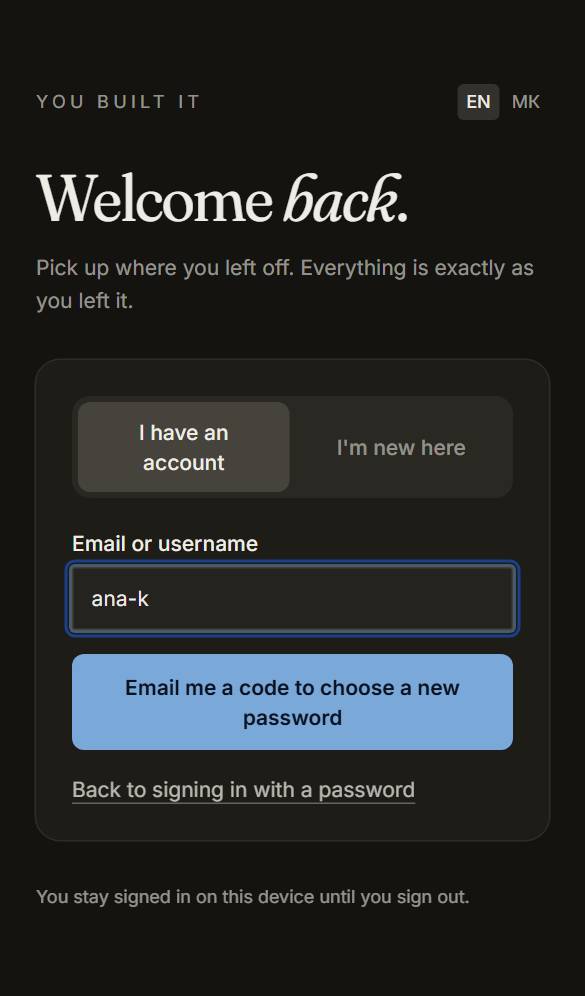
On the sign-in page press “Forgot your password?”, type your email or username and press Email me a code to choose a new password.
- 2
The code, or the button
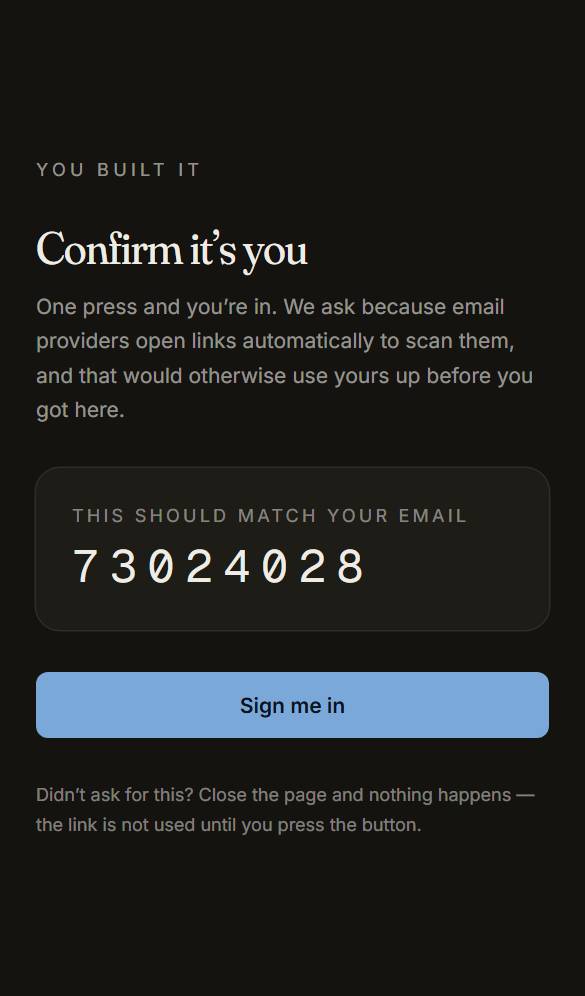
Type the six-digit code from the email into the box that appears and press Continue — it works on any device. Or press the button in the email, then Sign me in. Either works once, for an hour.
- 3
Choose the new one
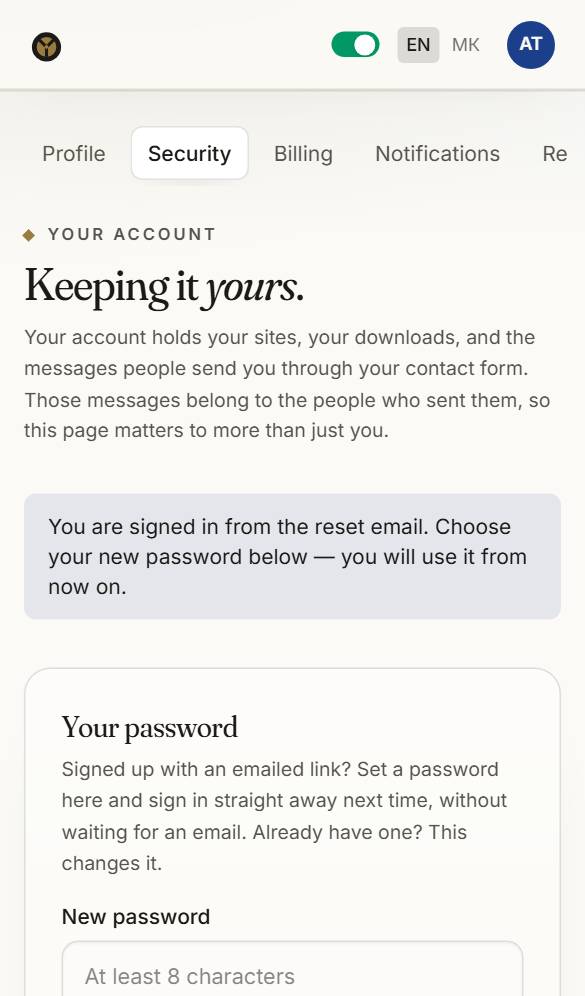
You land on Security. Type the new password and save. Turn on two-step sign-in while you are there.
Questions about this
I lost my download code.
Turn on two-step sign-in and you never need it again. Otherwise a replacement can be issued on Take it away, and the first one is free; your site is not lost, because we keep an archived copy of what you downloaded for three years.
How do I keep my account safe?
Turn on two-step sign-in under Account → Security. We email you when something important changes, and when your account is used on a new device.