How to build it yourself
Build it yourself, one step at a time
Short tutorials with pictures of every step, and answers to what people ask. Nothing here needs any experience of websites.
Getting started
From nothing to a first draft of your site.
- Start your first siteTwo questions, and your site is made — no account, no card. Building costs nothing.4 steps
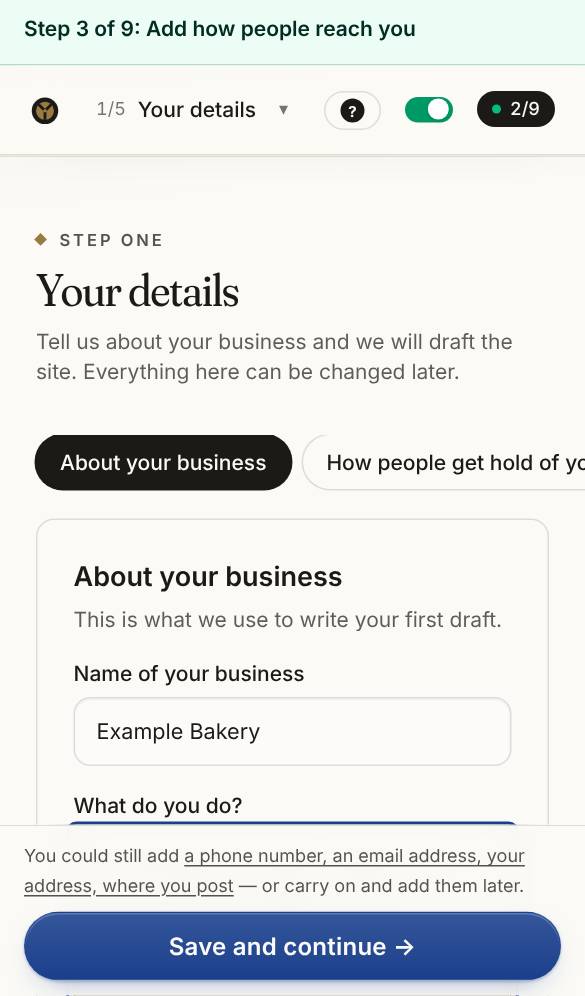 Tell us about your businessYour details are what the first draft is written from: what you do, where you are, how people reach you.4 steps
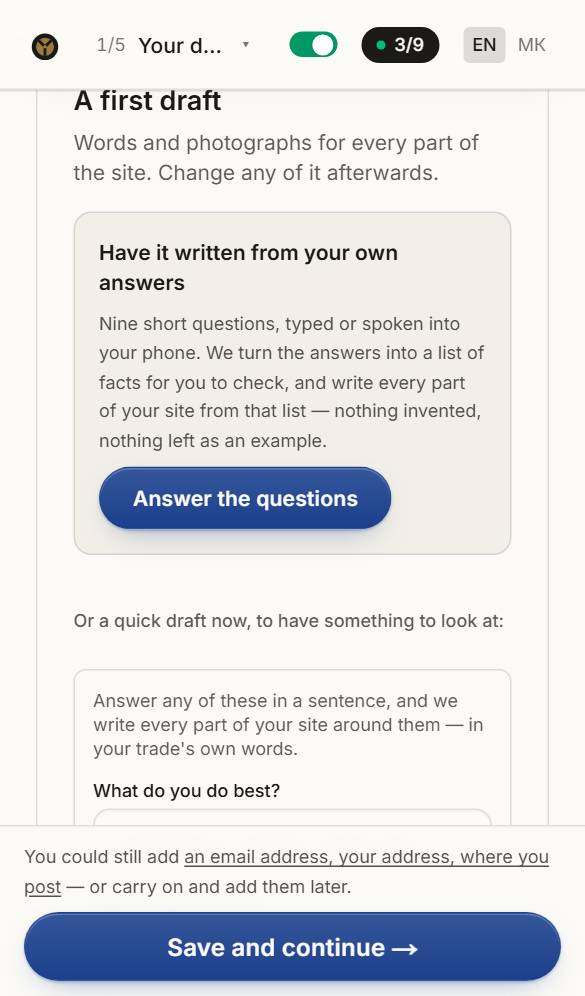 Have your site written from your answersNine short questions about your business. Your answers become a list of facts you check, and every part of your site is written from them — nothing invented. It uses six writing credits, which come with a site you buy, with a plan, or in a pack.4 steps
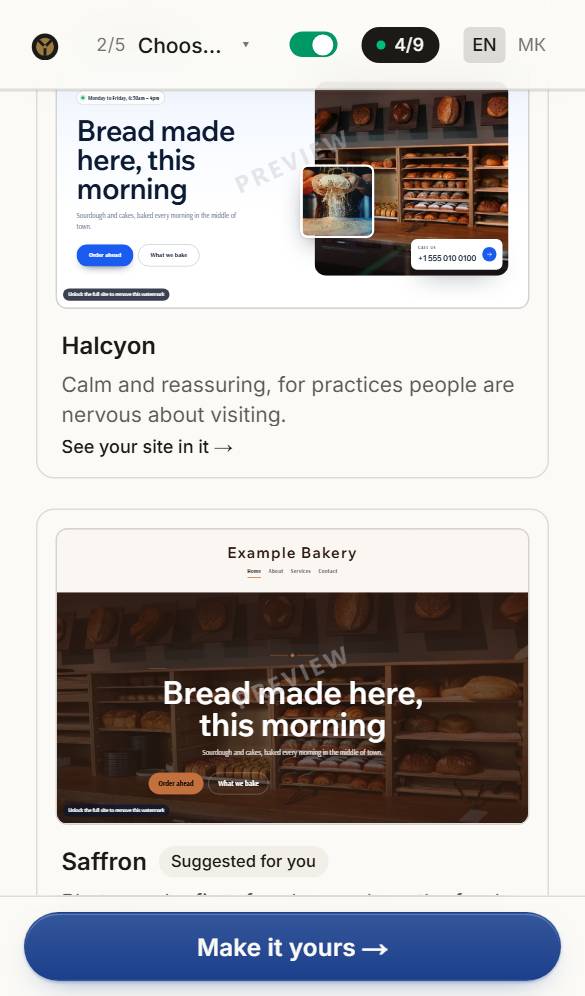 Choose a lookSix families, each with three looks. You see your own site in each, not a stranger's.3 steps
Making it yours
Your words, your photos, your colours.
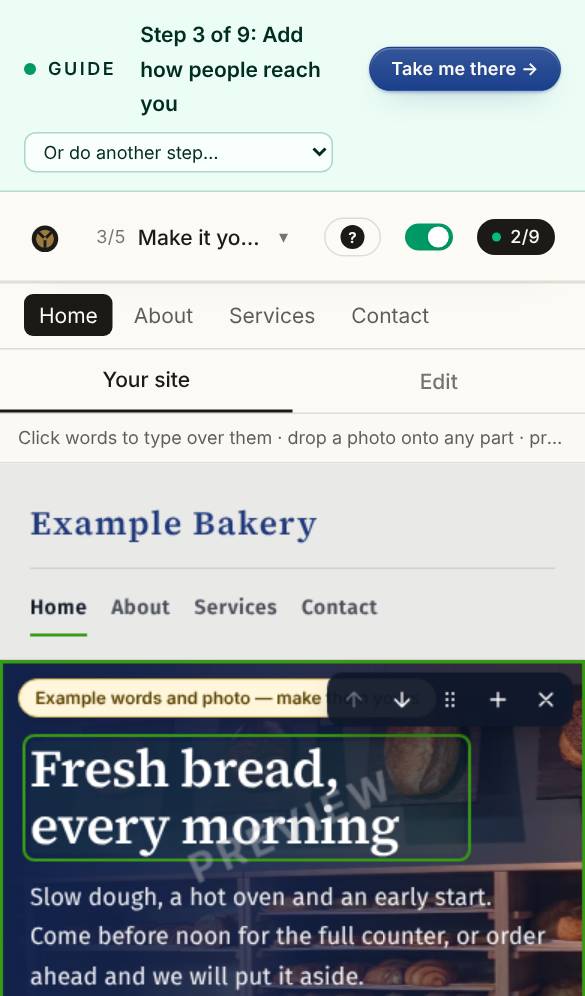 Change words and photosTap any words on your site and type over them. Change a photo in one press. Everything saves by itself.5 steps
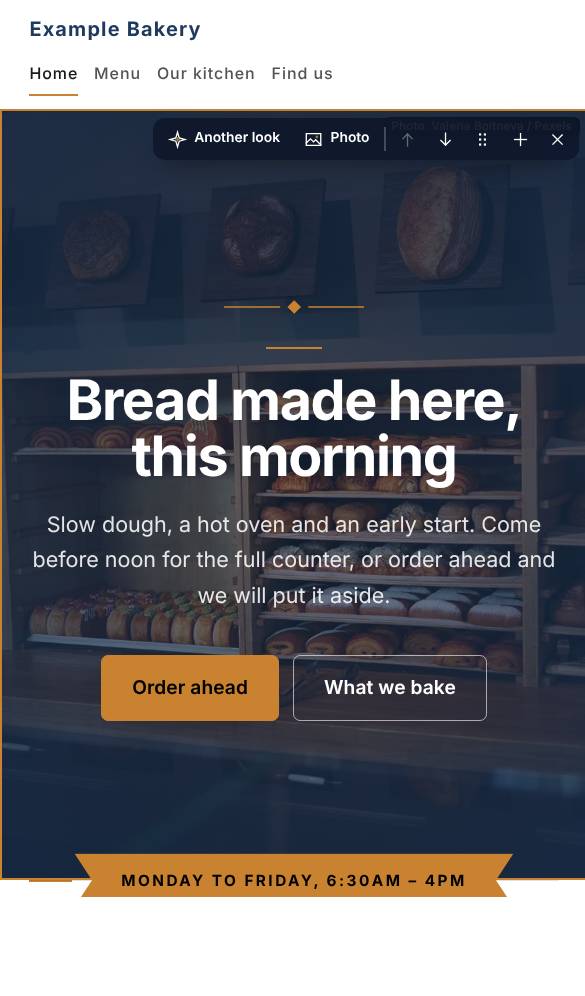 Try another look for a partNot keen on how a part looks? Step through its other designs — the ones that suit your trade — with one button. Your words stay as they are.4 steps
- Move a part, or add oneChange the order of a page, or add a new part exactly where you want it. Everything settles into place and stays lined up, on a phone as on a computer.4 steps
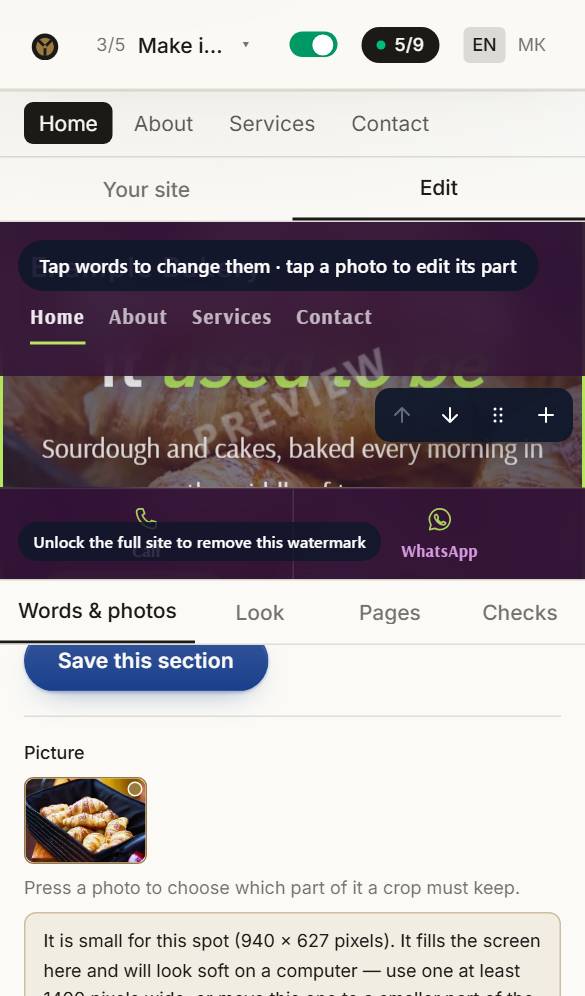 Your photographs, at their bestAdd your own photographs, and choose what a crop must never cut off. Claude can look at them for you, too.3 steps
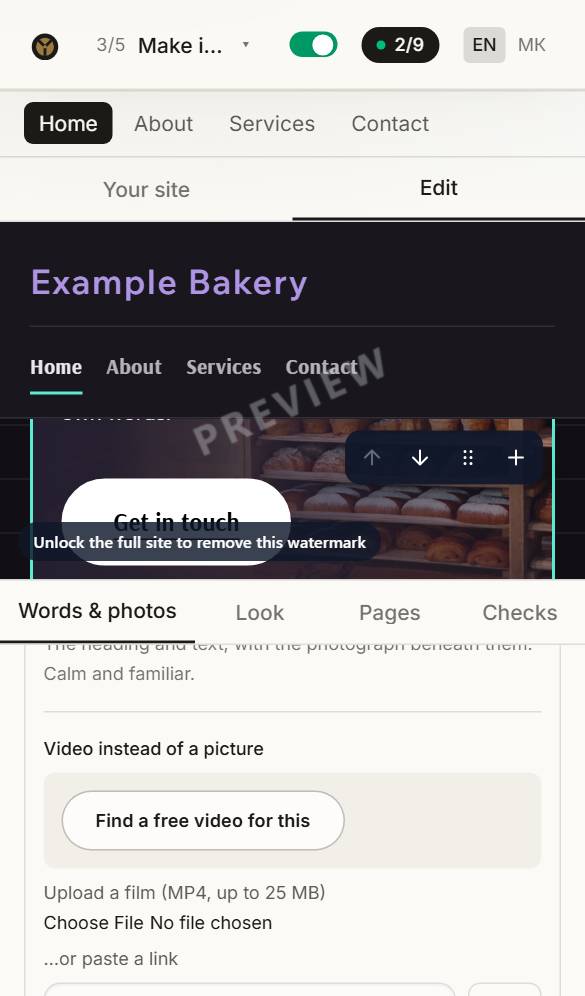 Add a free videoPut a film where a photo was: your own, or a free one found for your kind of business.3 steps
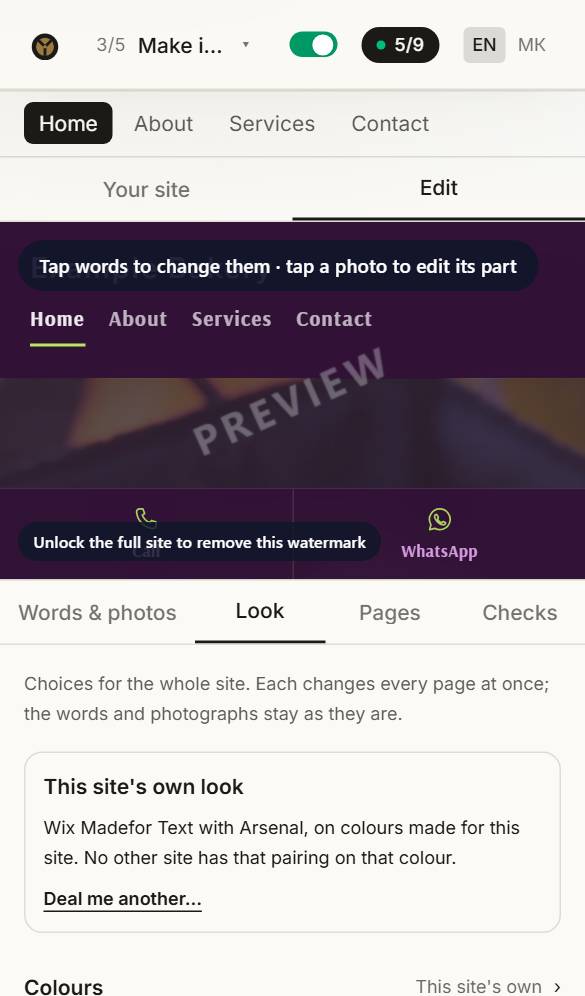 Colours, lettering and designChange the whole site at once: its colours, its lettering, its corners, light or dark — or have another look of its own dealt.4 steps
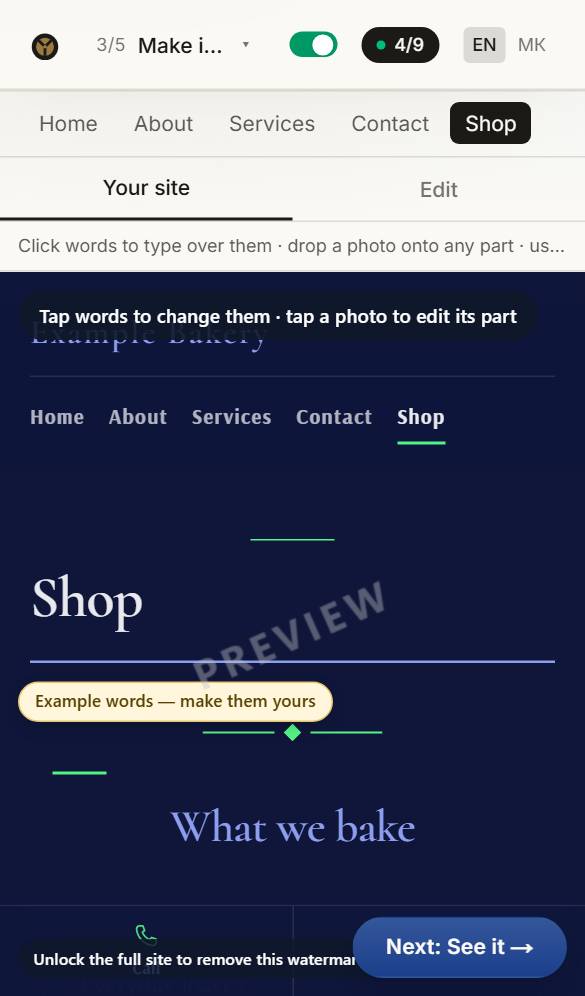 Add or remove pagesOne page or several: add a page for your prices, your team or your work, and put it in the menu.3 steps
News and selling
Keep people coming back, and sell from your site.
Finishing
Check it, buy it, put it online.
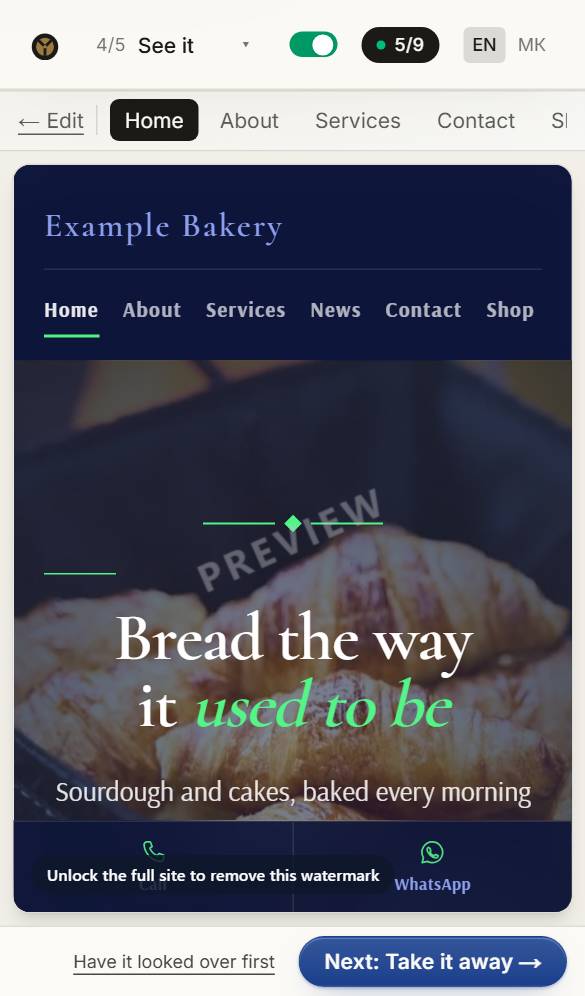 See your finished siteLook at it the way visitors will, on a phone and a computer, and check it is ready.3 steps
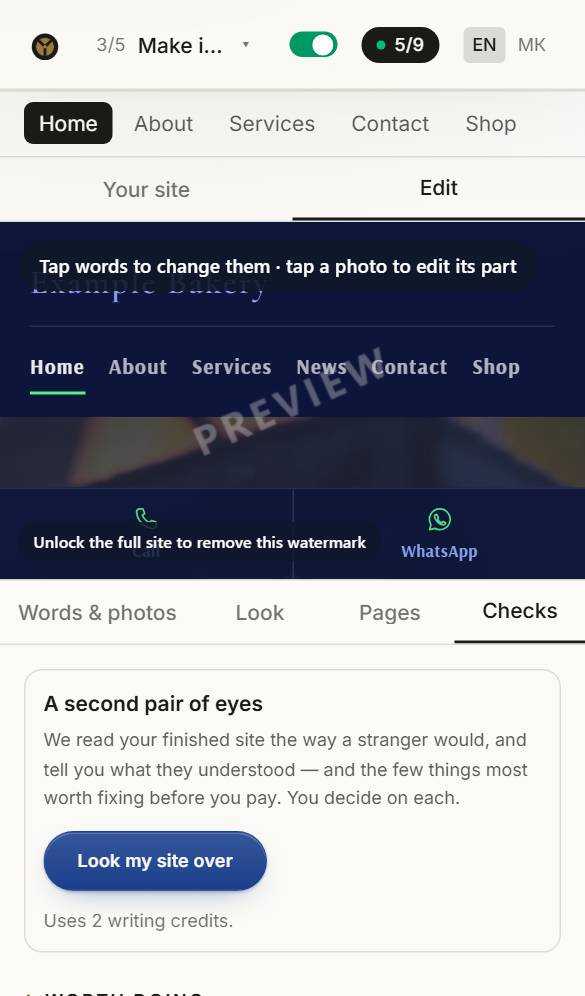 A second pair of eyesBefore you finish, have your site read the way a stranger reads it — and put right, in a press, anything that would lose you a customer.3 steps
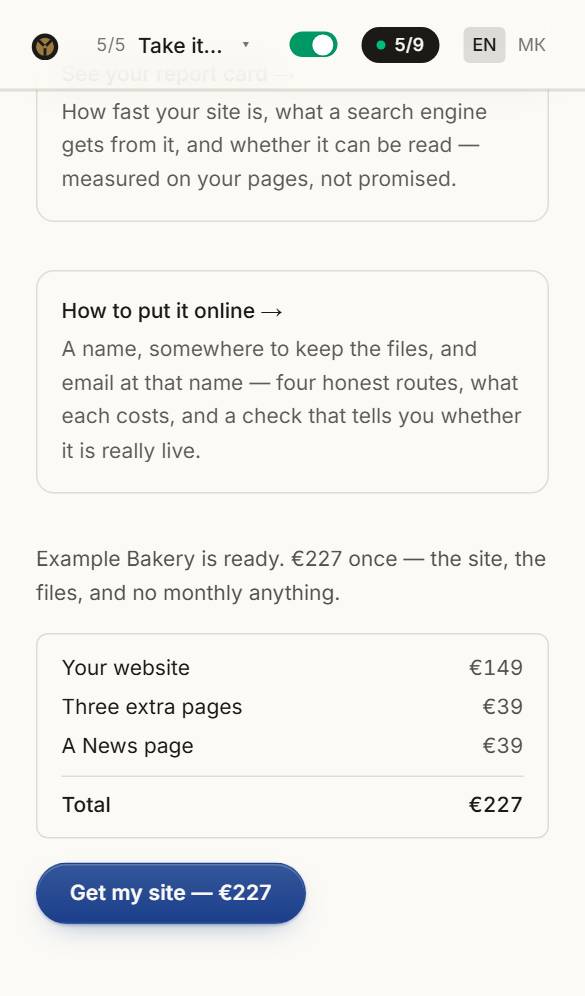 Buy and download your siteOne payment, and the files are yours: a folder of plain web pages that works anywhere.4 steps
- Put your site onlineYour files are a website on your computer. To be found, they need a home on the internet and a name — your domain.3 steps
Your account
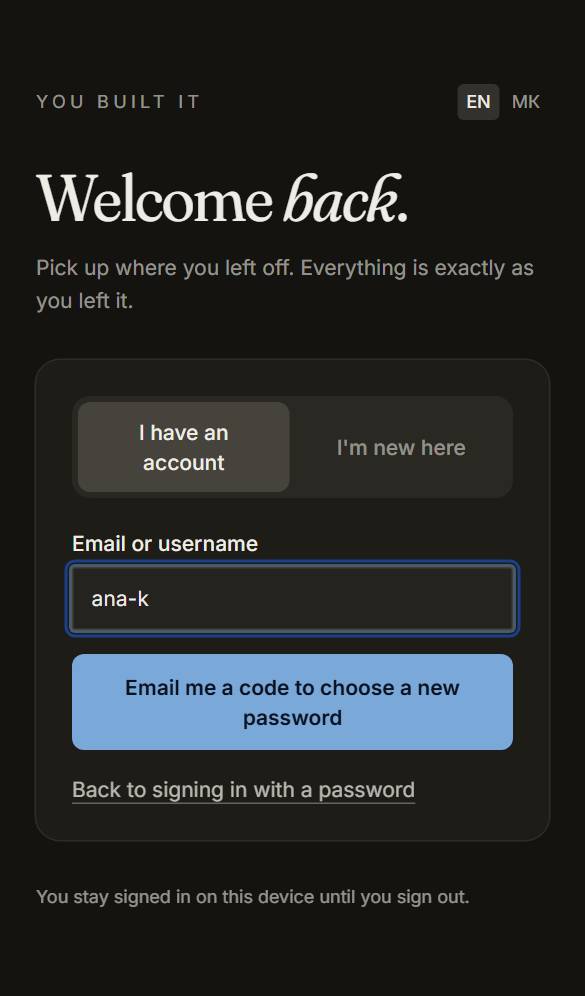
Signing in, and keeping it safe.
Questions
Getting started
Does building a site cost anything?
No. Two questions and your site is made, with no account and no card. You build, change and look at it for free for as long as you like, and pay once, at the end, only if you want it. Writing help from Claude uses credits, which come with a bought site, a plan or a pack.
I have never made a website. Can I do this?
Yes — that is who it is for. Keep the Guide on and it tells you the next thing to do at every step. Most people have a first draft in fifteen minutes.
Can I build on my phone?
Yes. Everything works on a phone: tap a part of your site to change it. Turn the phone on its side and the whole page sits beside the editor; upright, the page comes back in full after each change.
Making it yours
Where do the photos come from?
Your site starts with photos chosen for your kind of business, free to use. Replace any of them with your own — your own photos always look best. Press Photo on a part to upload one, or to choose from yours and our free ones.
Can I change the look later?
Any time before you buy, and your words and photos come with you. After buying, reopen the site for editing and change anything: the first three reopenings are free.
Can I have my site in two languages?
Yes. Any language can be translated automatically in the builder with writing credits (8 a language). The translation is done by machine, not checked by a person, so read it over — or have someone who speaks the language read it — before you publish.
News and selling
Do you take a cut of my sales?
No. Payments go straight to your own Stripe, SumUp or PayPal account, so we never see the money. Orders sent through your contact form reach you through it, like any other message.
Can I post news after I buy the site?
Yes, free, for good: in the builder, or offline with the news editor that comes in your download.
Finishing
What exactly do I get when I buy?
A folder of plain web pages, your photos and your stylesheet. Open index.html and it works — no account, nothing to install, nothing that links back to us.
How do I put it online?
Have us do it: right after the download, Put it online for me — €180 with your domain and the first year. Or do it yourself, anywhere that hosts websites, some of them free — the step-by-step guide shows four ways.
What is Done for you?
A finished site for your trade, put online by us at your own domain and looked after for the first year — €250, one payment. It is what we recommend if you would rather not deal with hosting. Choose your site on the Done for you page.
Can I get a refund?
The site is delivered the moment you pay, so the files themselves are not refunded — unless what we delivered is faulty or not what you were shown. Plans and hosting can be withdrawn from within fourteen days. The refund policy has the details.
Your account
I lost my download code.
Turn on two-step sign-in and you never need it again. Otherwise a replacement can be issued on Take it away, and the first one is free; your site is not lost, because we keep an archived copy of what you downloaded for three years.
How do I keep my account safe?
Turn on two-step sign-in under Account → Security. We email you when something important changes, and when your account is used on a new device.
Something not here? Write to support@youbuiltit.com