Finishing
See your finished site
Look at it the way visitors will, on a phone and a computer, and check it is ready.
- 1
Open See it
Step 4 shows your whole site as visitors will see it. Walk through every page from its own menu.
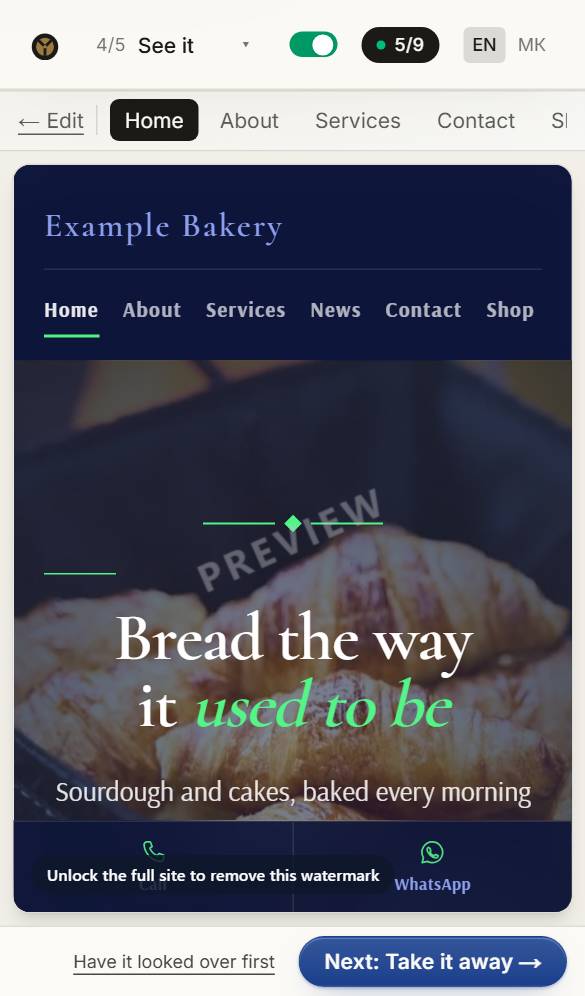
- 2
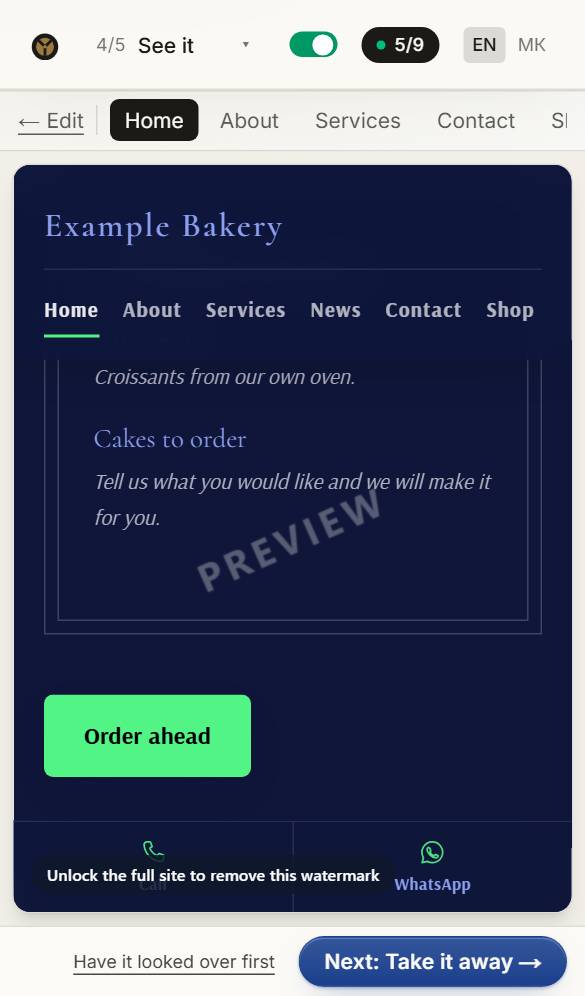
Scroll through it
Scroll through it the way a visitor would. On a computer you can also switch between the phone and computer views — most visitors will use a phone.
- 3
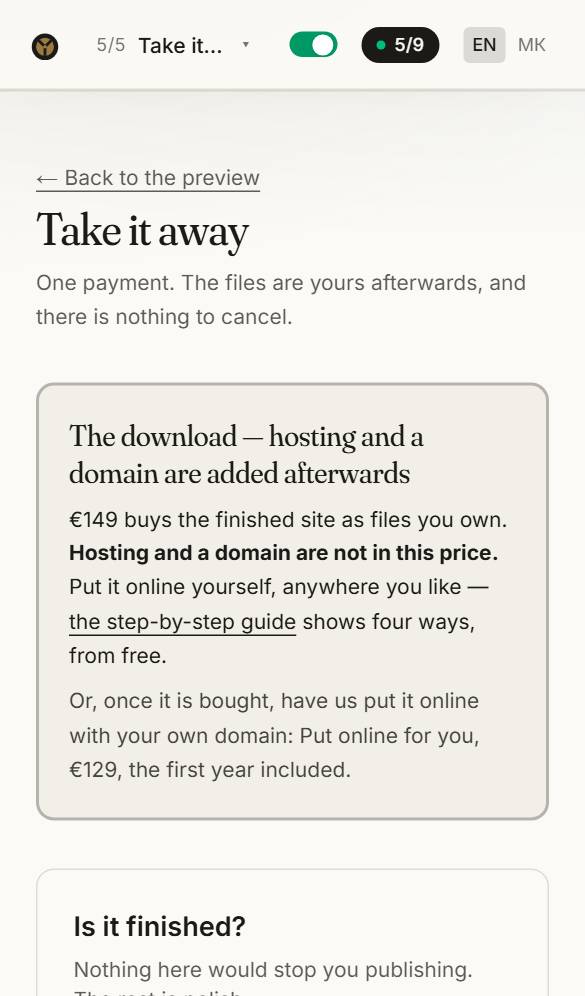
Is it finished?
Take it away lists anything a visitor would notice — example words still in place, a missing phone number — with a button to fix each.
Questions about this
What exactly do I get when I buy?
A folder of plain web pages, your photos and your stylesheet. Open index.html and it works — no account, nothing to install, nothing that links back to us.
How do I put it online?
Have us do it: right after the download, Put it online for me — €180 with your domain and the first year. Or do it yourself, anywhere that hosts websites, some of them free — the step-by-step guide shows four ways.
What is Done for you?
A finished site for your trade, put online by us at your own domain and looked after for the first year — €250, one payment. It is what we recommend if you would rather not deal with hosting. Choose your site on the Done for you page.
Can I get a refund?
The site is delivered the moment you pay, so the files themselves are not refunded — unless what we delivered is faulty or not what you were shown. Plans and hosting can be withdrawn from within fourteen days. The refund policy has the details.