News and selling
Set up your shop
List what you sell with prices and photos. Payments go to your own Stripe, SumUp or PayPal — never through us.
- 1
Open Shop
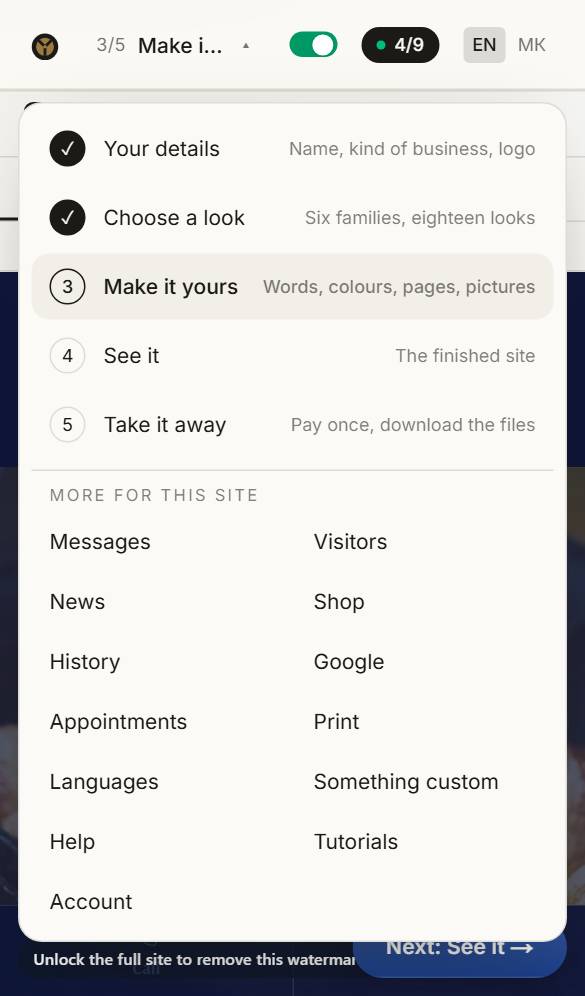
Open the menu at the top and choose Shop.
- 2
Add what you sell
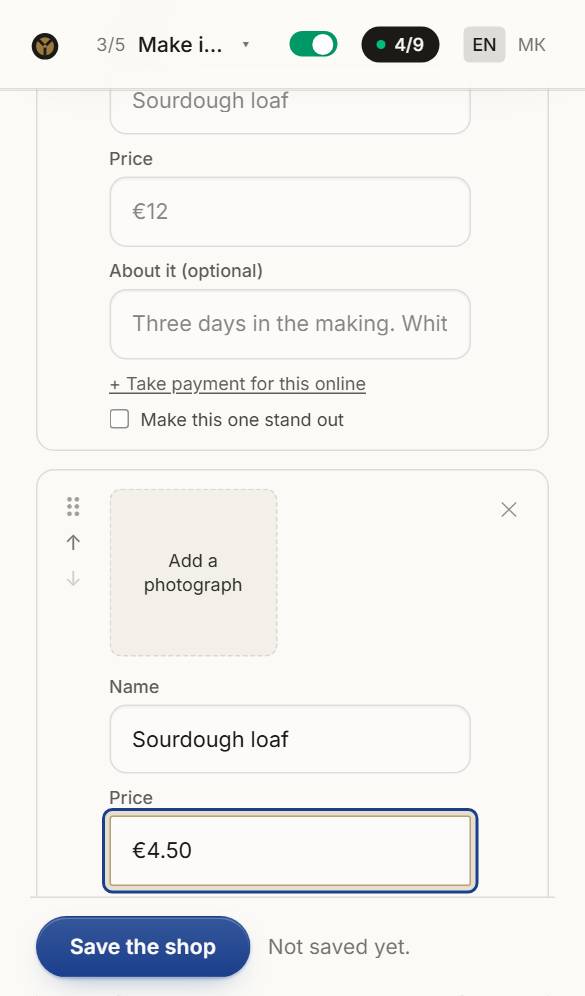
A name, a price with its currency, a line about it and a photo. Group things under headings like “Bread” and “Cakes”.
- 3
Take payment your way
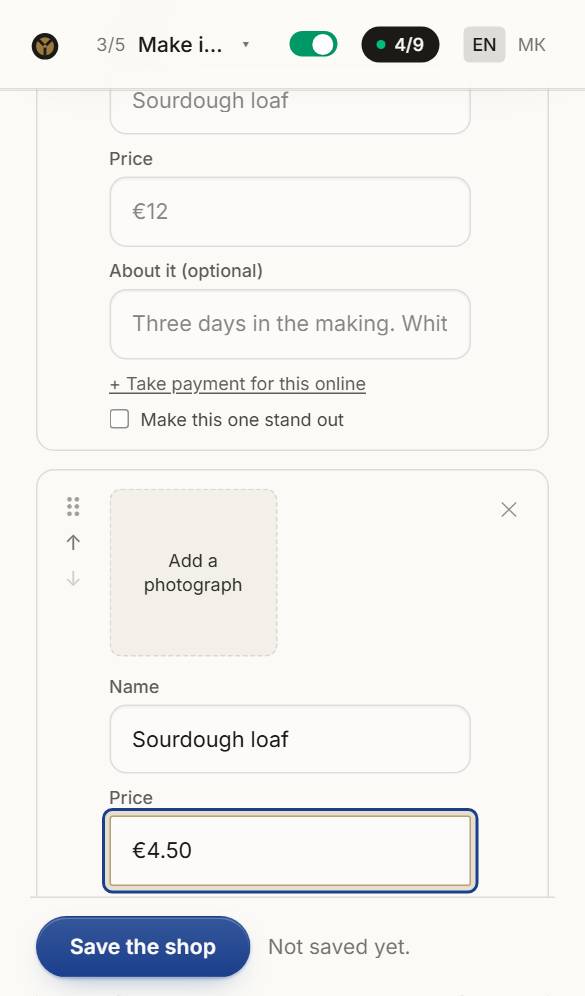
Paste the payment link from your own Stripe, SumUp or PayPal and a Buy button appears. Or switch on the basket, and orders come to you by form, WhatsApp or email.
Questions about this
Do you take a cut of my sales?
No. Payments go straight to your own Stripe, SumUp or PayPal account, so we never see the money. Orders sent through your contact form reach you through it, like any other message.
Can I post news after I buy the site?
Yes, free, for good: in the builder, or offline with the news editor that comes in your download.