News and selling
Write news posts
Short updates on your site: new hours, an offer, something new. Each one is a page search engines find.
- 1
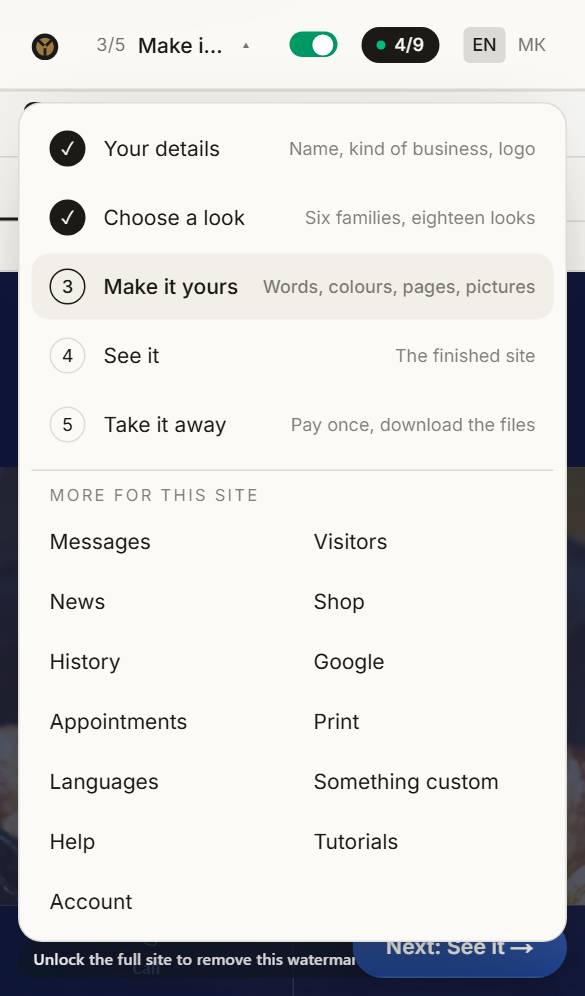
Open News
Open the menu at the top and choose News.
- 2
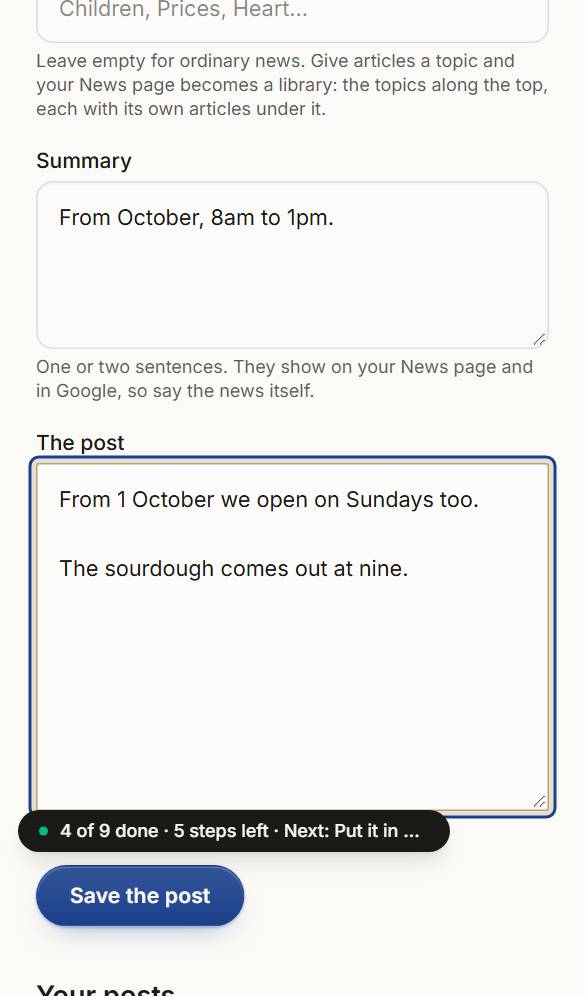
Write the post
A title, a date, a sentence or two for the summary, and the post itself. Leave an empty line for a new paragraph.
- 3
Save it
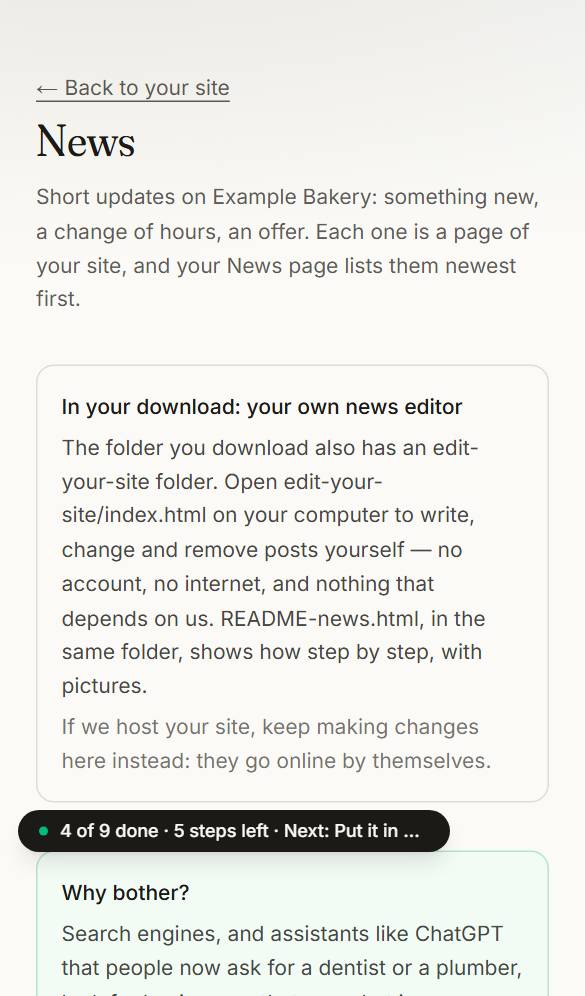
Press Save. Your News page lists it first, and it has an address of its own to share. After you buy the site, posting stays free — here, or offline with the editor in your download.
Questions about this
Do you take a cut of my sales?
No. Payments go straight to your own Stripe, SumUp or PayPal account, so we never see the money. Orders sent through your contact form reach you through it, like any other message.
Can I post news after I buy the site?
Yes, free, for good: in the builder, or offline with the news editor that comes in your download.