Making it yours
Your photographs, at their best
Add your own photographs, and choose what a crop must never cut off. Claude can look at them for you, too.
- 1
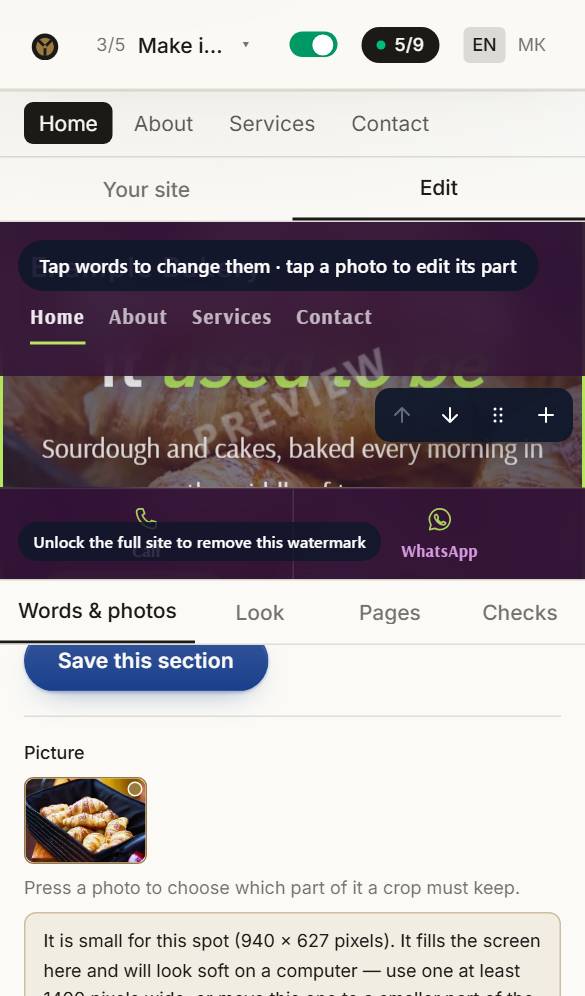
Add your photographs
Press Photo on a part's bar, or Change photo in its editor, and upload — several at once for a gallery. Each is made the right size and its light gently evened out as it goes up.
- 2
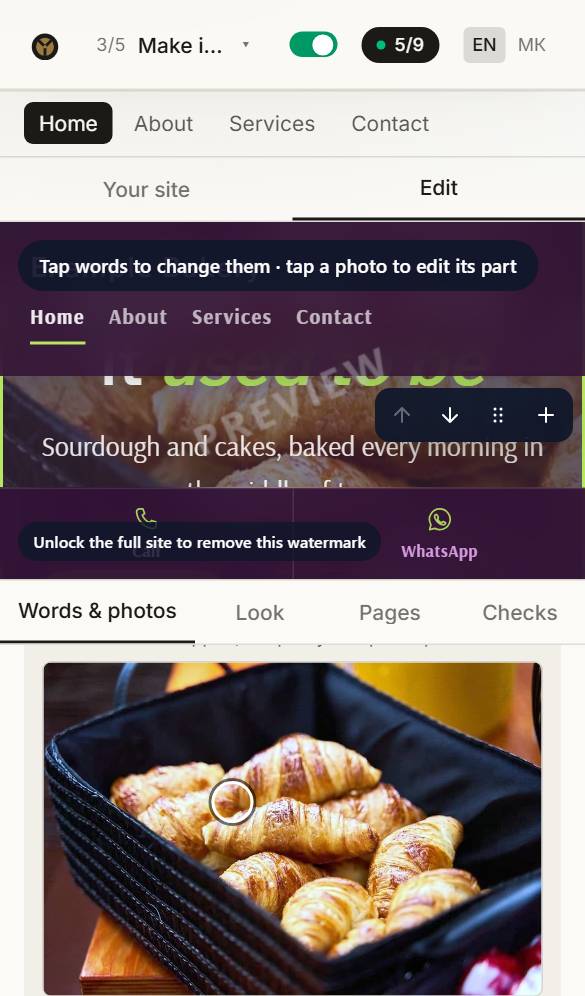
Choose what stays in view
Switch on Expert mode at the foot of the part's editor, press the photograph, then tap the part that must never be cut off — a face, the sign over your door. On every screen, the crop keeps it.
- 3
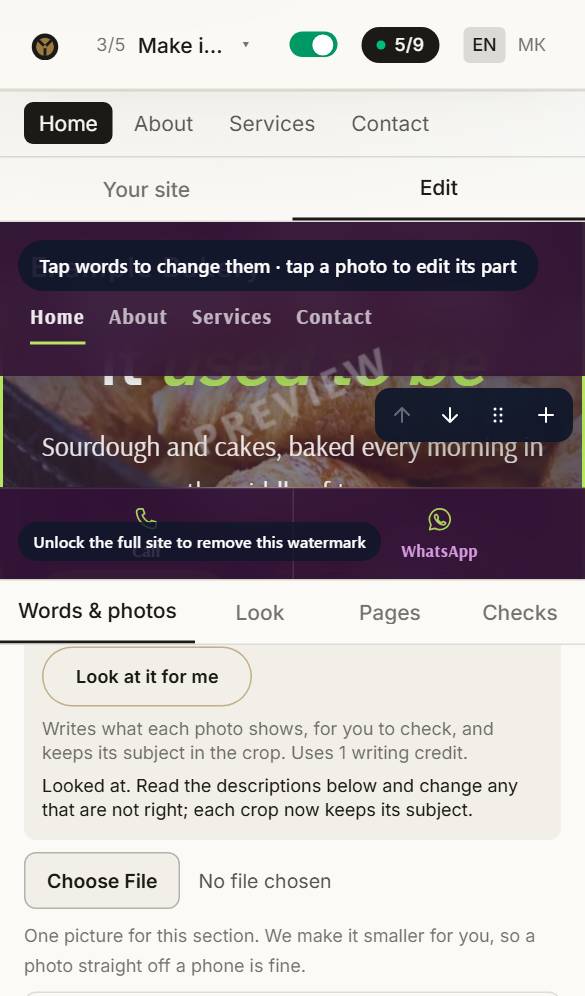
Let Claude look at them
Press Look at these for me. Each photograph is described for people who cannot see it, and its crop is held on what matters. It uses one writing credit.
Questions about this
Where do the photos come from?
Your site starts with photos chosen for your kind of business, free to use. Replace any of them with your own — your own photos always look best. Press Photo on a part to upload one, or to choose from yours and our free ones.
Can I change the look later?
Any time before you buy, and your words and photos come with you. After buying, reopen the site for editing and change anything: the first three reopenings are free.
Can I have my site in two languages?
Yes. Any language can be translated automatically in the builder with writing credits (8 a language). The translation is done by machine, not checked by a person, so read it over — or have someone who speaks the language read it — before you publish.