Making it yours
Add a free video
Put a film where a photo was: your own, or a free one found for your kind of business.
- 1
Open a section with a photo
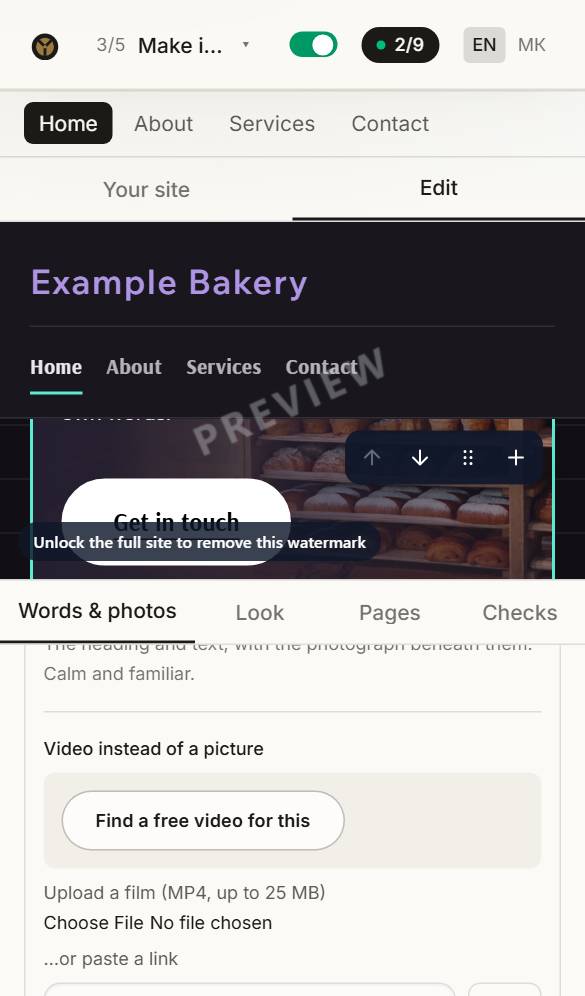
Tap the part of your site with the big photo, and switch on Expert mode at the foot of its editor.
- 2
Find a free video
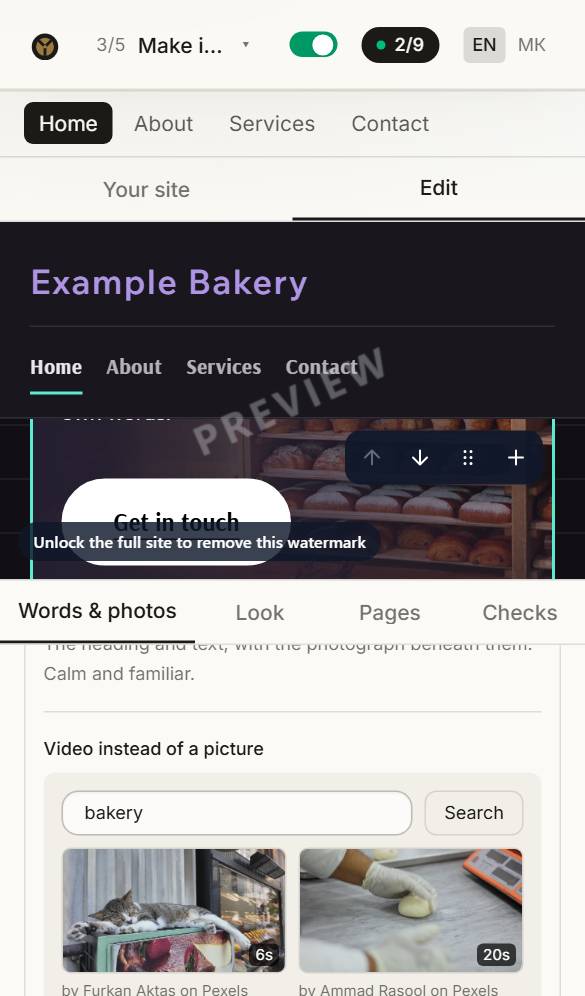
Press Find a free video for this. Six films for your kind of business appear; type other words to look for something else.
- 3
Choose one
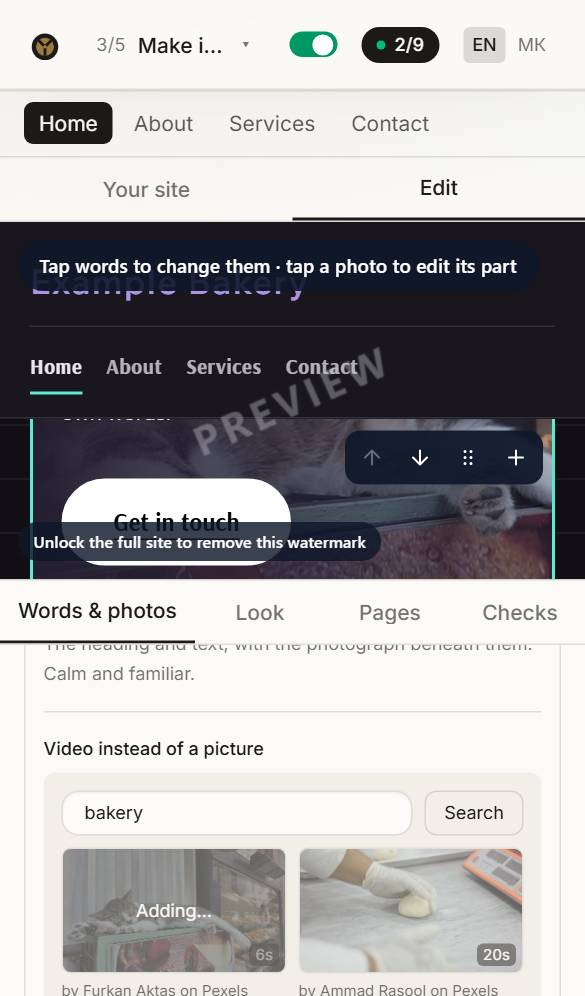
Tap the one you like. It is on your site at once, and goes into your download. They are free to use, and you owe nobody a mention.
Questions about this
Where do the photos come from?
Your site starts with photos chosen for your kind of business, free to use. Replace any of them with your own — your own photos always look best. Press Photo on a part to upload one, or to choose from yours and our free ones.
Can I change the look later?
Any time before you buy, and your words and photos come with you. After buying, reopen the site for editing and change anything: the first three reopenings are free.
Can I have my site in two languages?
Yes. Any language can be translated automatically in the builder with writing credits (8 a language). The translation is done by machine, not checked by a person, so read it over — or have someone who speaks the language read it — before you publish.