Getting started
Choose a look
Six families, each with three looks. You see your own site in each, not a stranger's.
- 1
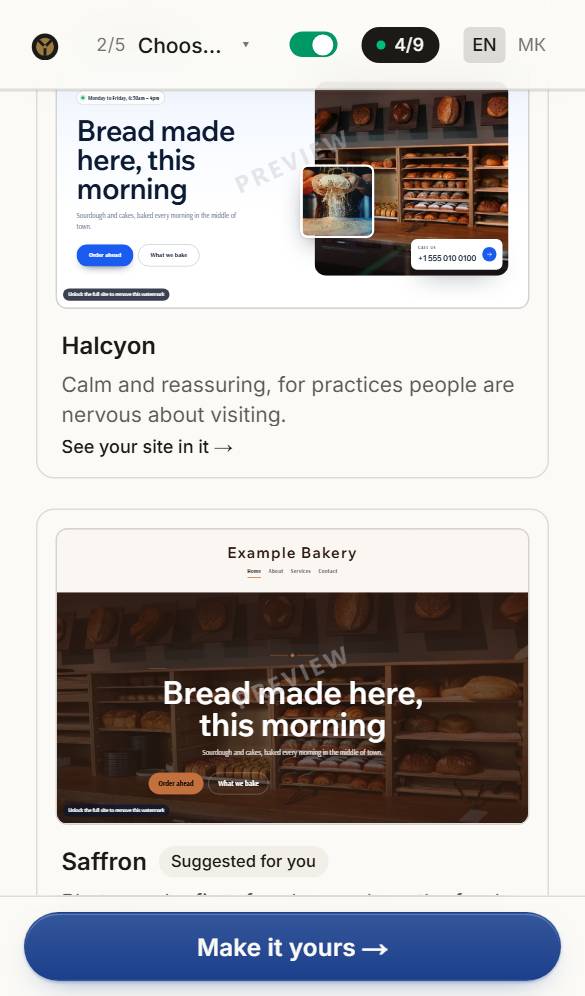
See your site in each family
Each card is your own site, already in that family. Scroll through and open the one that feels like your business.
- 2
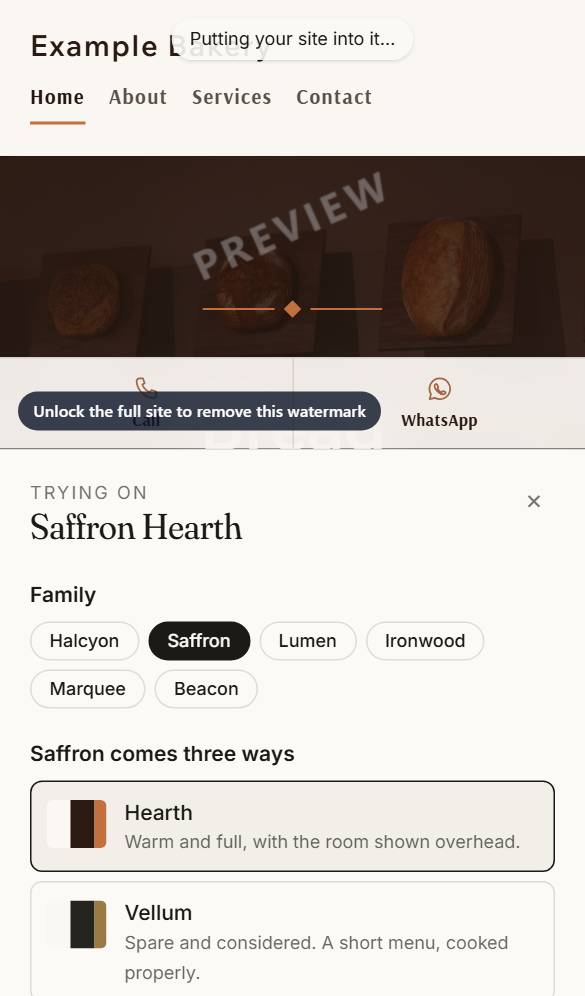
Try its looks and colours
Switch between its three looks, the colour schemes and the lettering. Nothing changes on your site until you choose.
- 3
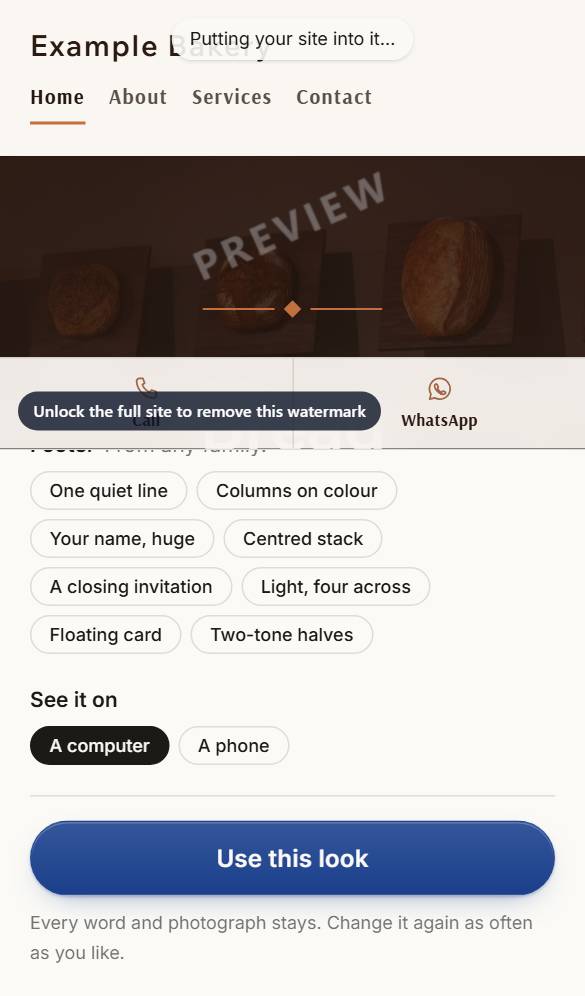
Use this look
Press Use this look. You can come back and change it at any time, and your words and photos come with you.
Questions about this
Does building a site cost anything?
No. Two questions and your site is made, with no account and no card. You build, change and look at it for free for as long as you like, and pay once, at the end, only if you want it. Writing help from Claude uses credits, which come with a bought site, a plan or a pack.
I have never made a website. Can I do this?
Yes — that is who it is for. Keep the Guide on and it tells you the next thing to do at every step. Most people have a first draft in fifteen minutes.
Can I build on my phone?
Yes. Everything works on a phone: tap a part of your site to change it. Turn the phone on its side and the whole page sits beside the editor; upright, the page comes back in full after each change.